

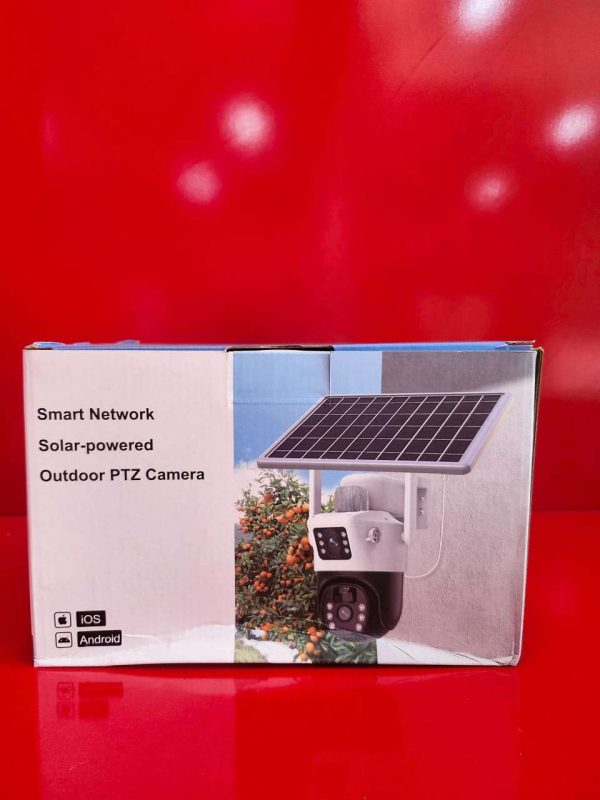
Outdoor PTZ Camera (Dual Lens Solar Camera)
Enhance your property’s security with the Outdoor PTZ Dual Lens Solar Camera, an advanced surveillance solution designed for reliable outdoor monitoring. Featuring dual-lens technology, this camera delivers wider coverage and enhanced image detail, reducing blind spots while providing comprehensive surveillance of your home, office, farm, warehouse, or business premises.
Powered by solar energy, the camera operates efficiently with minimal maintenance, making it ideal for locations where traditional power sources are unavailable. The PTZ (Pan-Tilt-Zoom) functionality allows remote control of camera movement, enabling users to monitor large areas with ease.
Equipped with high-definition video recording, night vision capabilities, motion detection, and real-time alerts, the camera provides around-the-clock protection. Its weather-resistant construction ensures dependable performance in various outdoor conditions.
Key Features:
* Dual-lens design for wider viewing coverage
* Solar-powered operation for energy efficiency
* PTZ control with remote pan, tilt, and zoom functions
* High-definition video quality
* Day and night monitoring with infrared night vision
* Motion detection and instant alerts
* Two-way audio communication
* Weatherproof design for outdoor installation
* Remote viewing via mobile application
* Supports memory card storage and cloud storage options
Applications:
Suitable for homes, offices, construction sites, farms, warehouses, parking lots, schools, and other outdoor security applications requiring continuous surveillance.
Protect what matters most with a smart, energy-efficient Outdoor PTZ Dual Lens Solar Camera designed for reliable security monitoring anytime, anywhere.
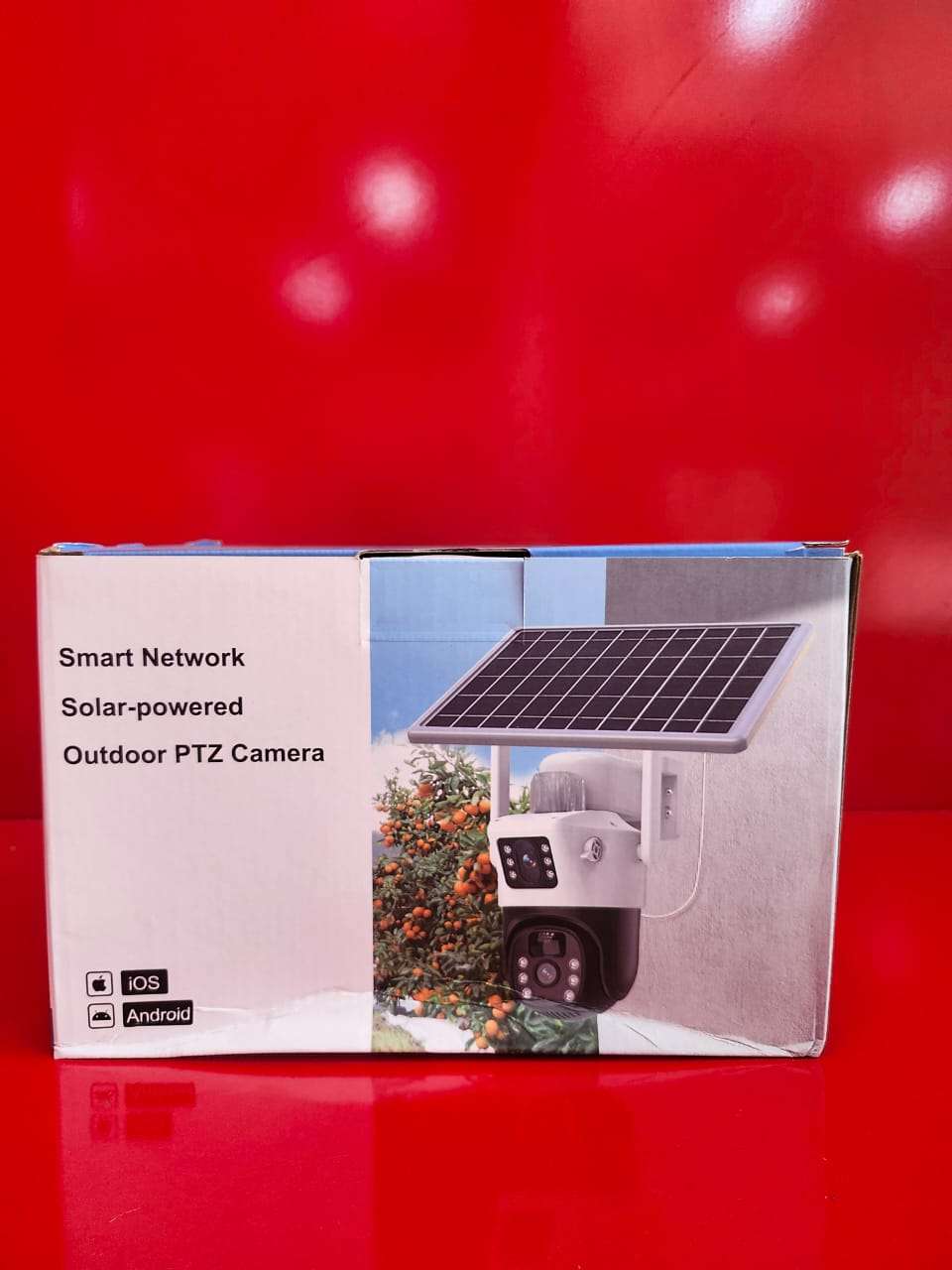
How to Use
Step 1:Mount the camera securely in the desired outdoor location with adequate sunlight exposure for optimal solar charging.
Step 2:Install the memory card (if required) and ensure the battery is properly connected and charged.
Step 3:Download and install the compatible mobile application on your smartphone or tablet.
Step 4:Power on the camera and connect it to your Wi-Fi network by following the instructions in the mobile app.
Step 5:Add the camera to the app by scanning the QR code or entering the device information.
Step 6:Use the mobile app to view live video, control the PTZ (Pan-Tilt-Zoom) functions, and adjust camera settings.
Step 7:Enable motion detection and alert notifications to receive real-time security updates.
Step 8:Use the two-way audio feature to communicate with visitors or personnel remotely when needed.
Step 9:Review recorded footage through the app and manage storage settings as required.
Step 10:Periodically clean the solar panel and camera lens to ensure optimal charging and image quality.
For reliable performance and proper configuration, it is recommended to have the camera installed by a qualified installer.
CUSTOMERS’ CHATS