

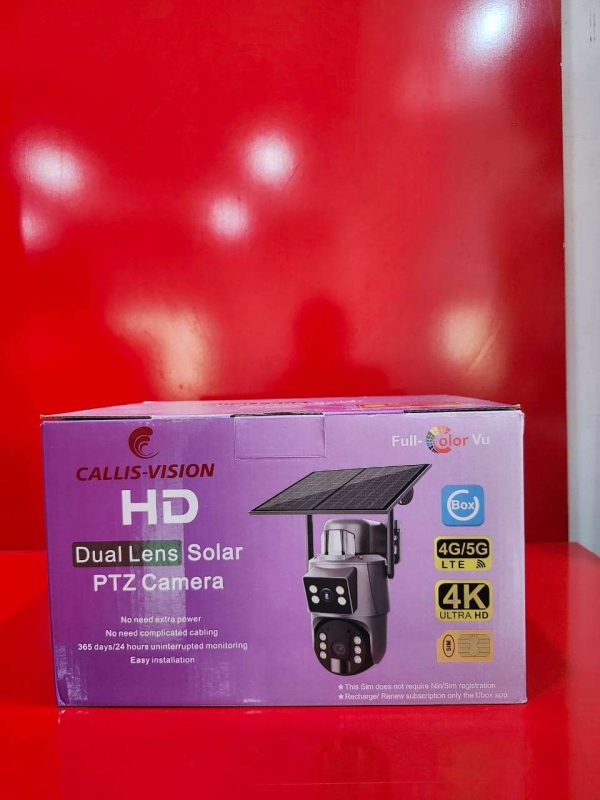
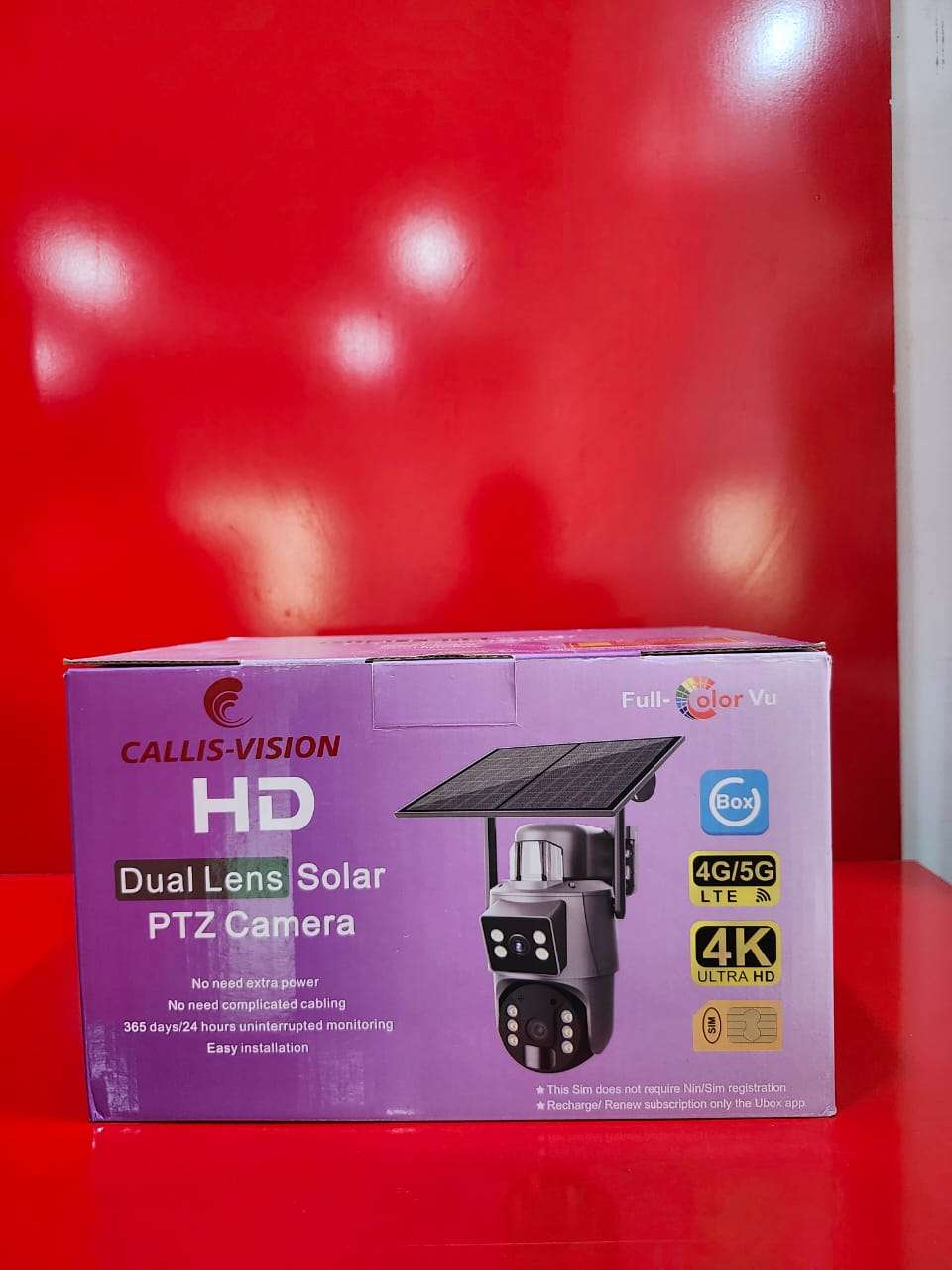
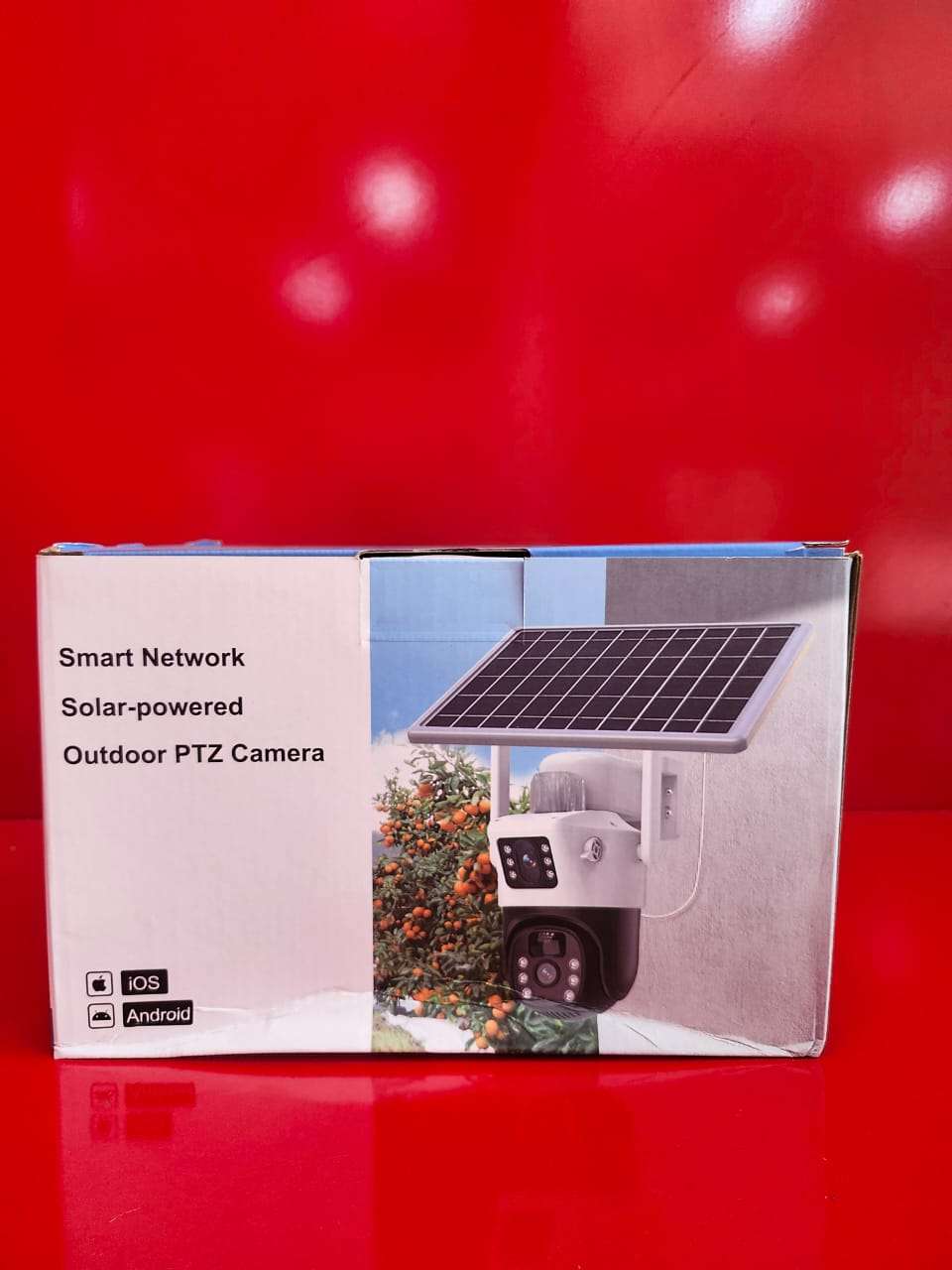
HD Dual Lens Solar PTZ Camera
Secure your property with the HD Dual Lens Solar PTZ Camera, a smart and energy-efficient surveillance solution designed for continuous outdoor monitoring. Equipped with advanced dual-lens technology, this camera provides wider coverage, enhanced image clarity, and improved monitoring of large areas while minimizing blind spots.
Powered by a high-efficiency solar panel and rechargeable battery, the camera delivers reliable performance without the need for constant power connections. The PTZ (Pan-Tilt-Zoom) functionality allows users to remotely control camera movement, ensuring flexible and comprehensive surveillance from virtually anywhere.
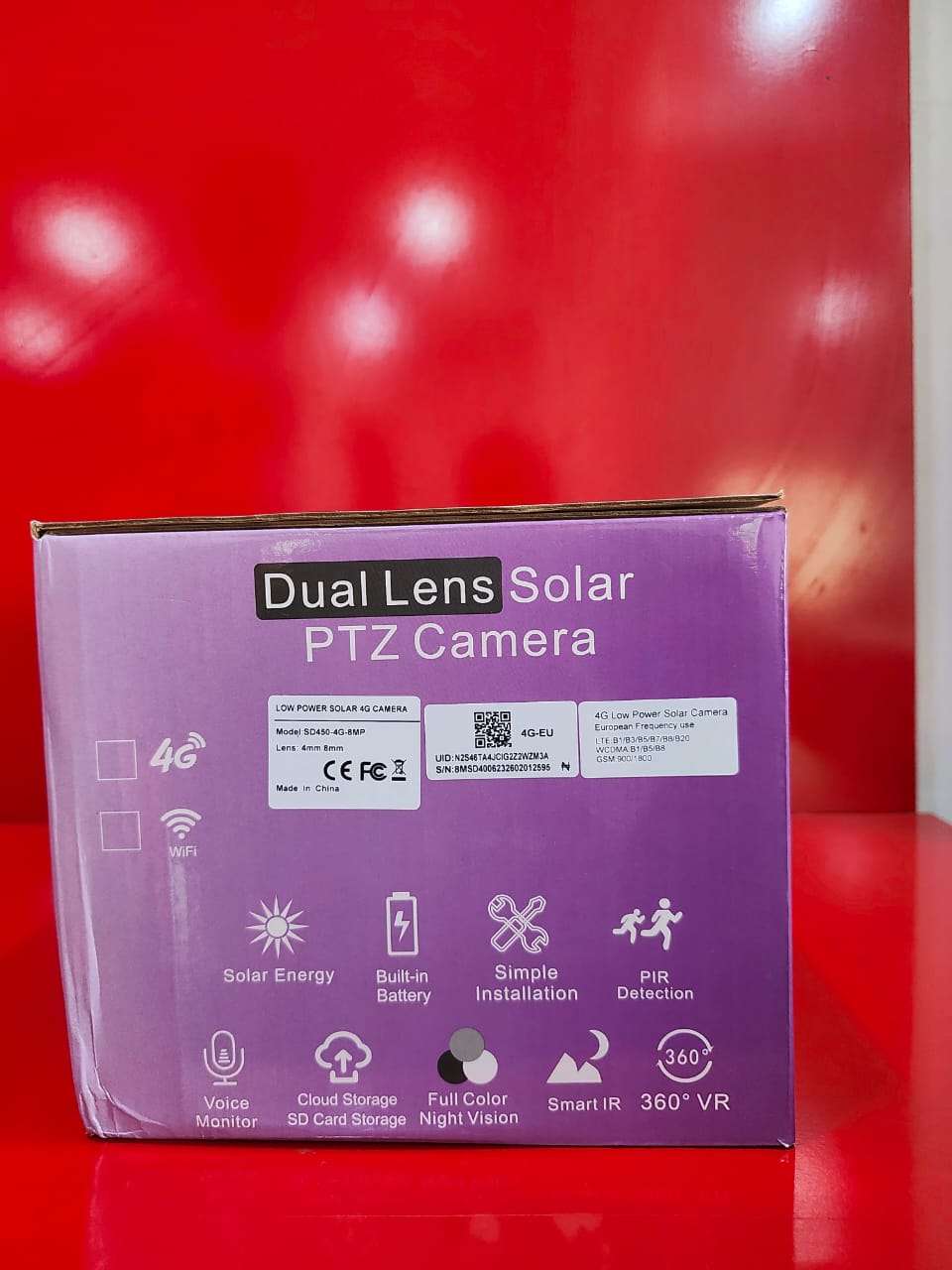
Featuring high-definition video quality, intelligent motion detection, infrared night vision, and real-time mobile notifications, the camera offers around-the-clock protection for homes, offices, farms, warehouses, construction sites, and other outdoor locations. Its weather-resistant design ensures dependable operation in various environmental conditions.
Key Features:
* HD video recording for clear image quality
* Dual-lens technology for wider viewing coverage
* Solar-powered operation with rechargeable battery
* Remote PTZ control for pan, tilt, and zoom functions
* Infrared night vision for 24/7 monitoring
* Motion detection with instant alerts
* Two-way audio communication
* Remote viewing via smartphone application
* Supports memory card and cloud storage options
* Weatherproof construction for outdoor use
Applications:
Ideal for homes, offices, farms, warehouses, parking areas, schools, construction sites, and other locations requiring reliable outdoor surveillance.
Enjoy intelligent, eco-friendly security monitoring with the HD Dual Lens Solar PTZ Camera, designed to deliver dependable protection day and night.
How to Use
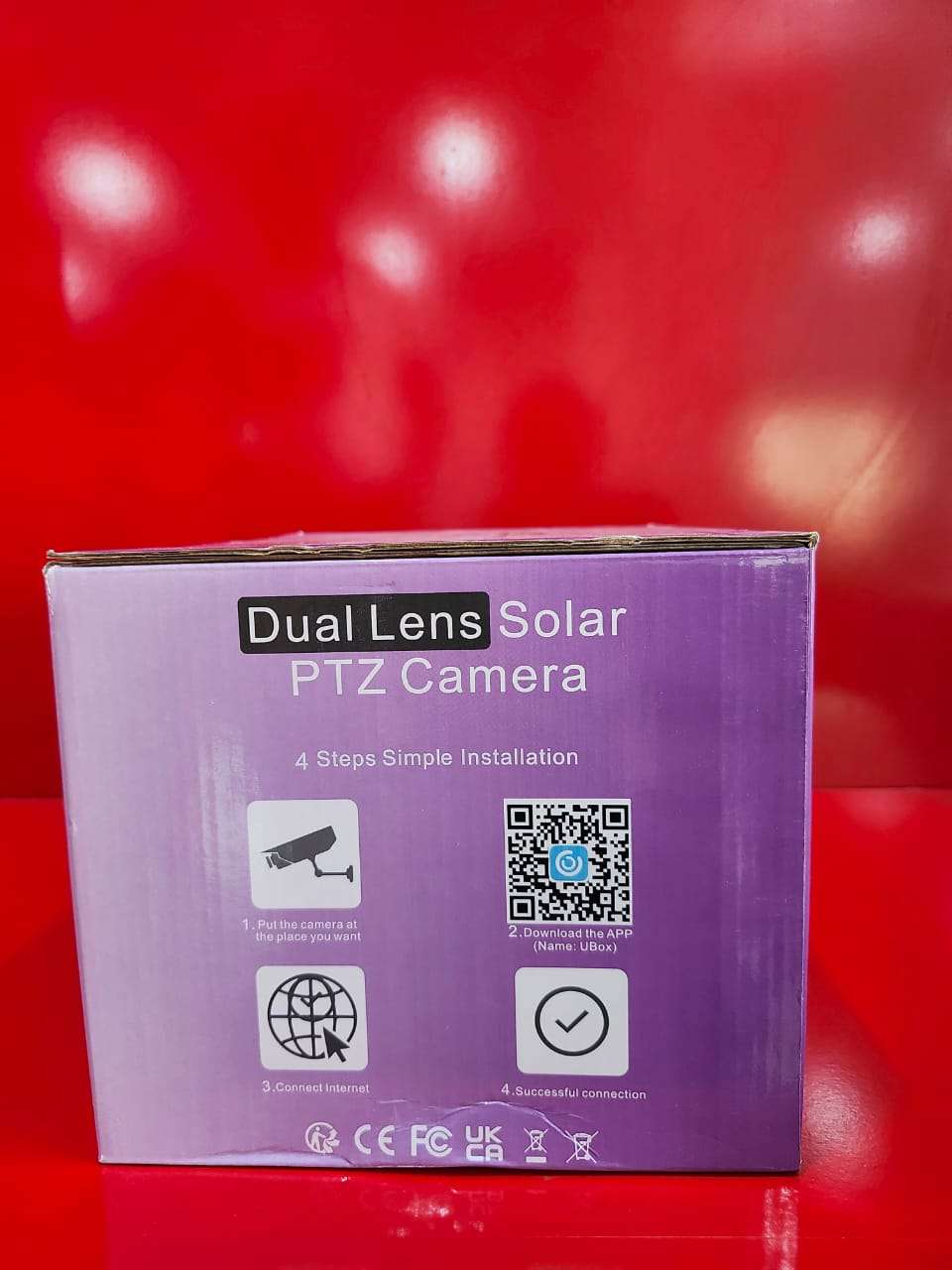
Step 1:Install the camera in a secure outdoor location where the solar panel can receive direct sunlight.
Step 2:Ensure the rechargeable battery is properly connected and fully charged before first use.
Step 3:Insert a compatible memory card if local video storage is required.
Step 4:Download and install the camera’s mobile application on your smartphone or tablet.
Step 5:Power on the camera and connect it to your Wi-Fi network through the mobile app.
Step 6:Add the camera to the app by scanning the QR code or entering the device ID.
Step 7:Use the app to view live video, adjust settings, and control the PTZ (Pan, Tilt, and Zoom) functions remotely.
Step 8:Enable motion detection and notification alerts to receive real-time updates when movement is detected.
Step 9:Use the two-way audio feature to communicate with visitors or personnel remotely.
Step 10:Access recorded footage through the app and manage storage settings as needed.
Step 11:Regularly clean the camera lens and solar panel to maintain optimal performance and image quality.
For reliable operation and proper configuration, it is recommended to have the camera installed by a qualified installer.

CUSTOMERS’ CHATS