

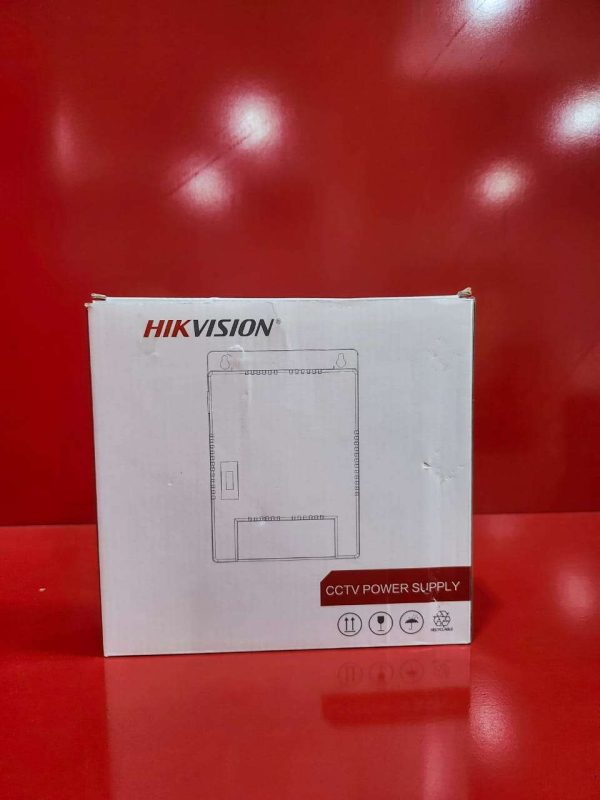
CCTV Power Supply – Product Description
The CCTV Power Supply is a reliable power distribution solution designed to provide stable and continuous power to CCTV cameras and security surveillance systems. Engineered for efficiency and safety, it ensures that connected cameras receive the correct voltage required for optimal performance, helping to maintain uninterrupted security monitoring.
Suitable for residential, commercial, and industrial security installations, the power supply supports multiple CCTV cameras from a single unit, reducing wiring complexity and improving system organization. Built-in protection features help safeguard connected devices against overvoltage, overload, short circuits, and power fluctuations.
Its durable metal housing and efficient cooling design ensure long-lasting operation, making it ideal for use in homes, offices, shops, warehouses, schools, and other security applications.
Key Features:
Stable and reliable power output
Supports multiple CCTV cameras
Built-in overload and short-circuit protection
Efficient power distribution for surveillance systems
Durable metal enclosure for enhanced protection
Easy installation and maintenance
Reduces cable clutter with centralized power management
Suitable for indoor security installations
Compatible with most CCTV cameras and security devices
Designed for continuous 24/7 operation
Applications:
Home security systems
Office surveillance
Retail stores and supermarkets
Warehouses and factories
Schools and educational institutions
Commercial and industrial security installations
It is an essential component for ensuring reliable power delivery and uninterrupted performance of CCTV surveillance systems.
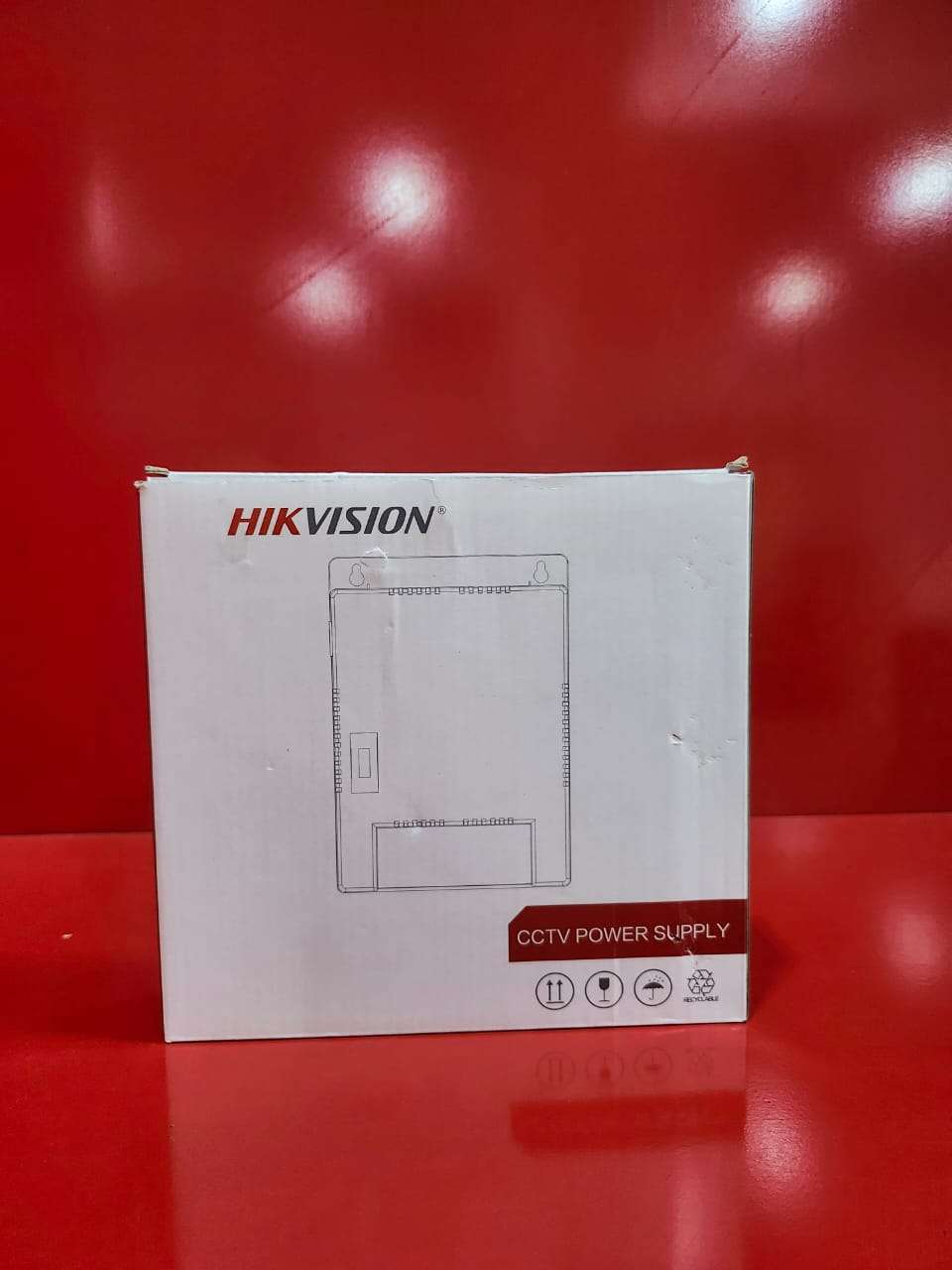

How to Use the CCTV Power Supply
Step 1: Install the Power Supply
Mount the power supply unit in a secure, dry, and well-ventilated location.
Step 2: Connect AC Power
Connect the power supply to a suitable AC power source according to the voltage specifications.
Step 3: Connect CCTV Cameras
Connect each camera’s power cable to the designated output terminals on the power supply.
Step 4: Check Polarity
Ensure positive (+) and negative (-) connections are correctly wired to prevent damage.
Step 5: Power On the Unit
Switch on the power supply and verify that the power indicators illuminate.
Step 6: Test the Cameras
Confirm that all connected cameras power up and display video correctly.
Step 7: Regular Maintenance
Periodically inspect wiring connections.
Keep the unit free from dust and moisture.
Check for any signs of overheating or damage.
Package Contents
CCTV Power Supply Unit
Power Cable (model dependent)
Mounting Accessories
User Manual
It is recommended to use the correct voltage and power rating for your CCTV cameras to ensure safe and reliable operation.

CUSTOMERS’ CHATS