

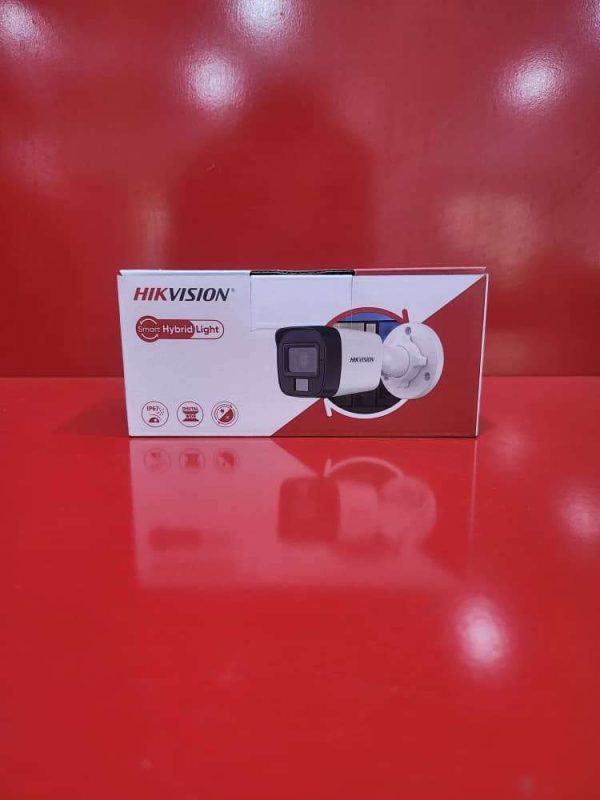
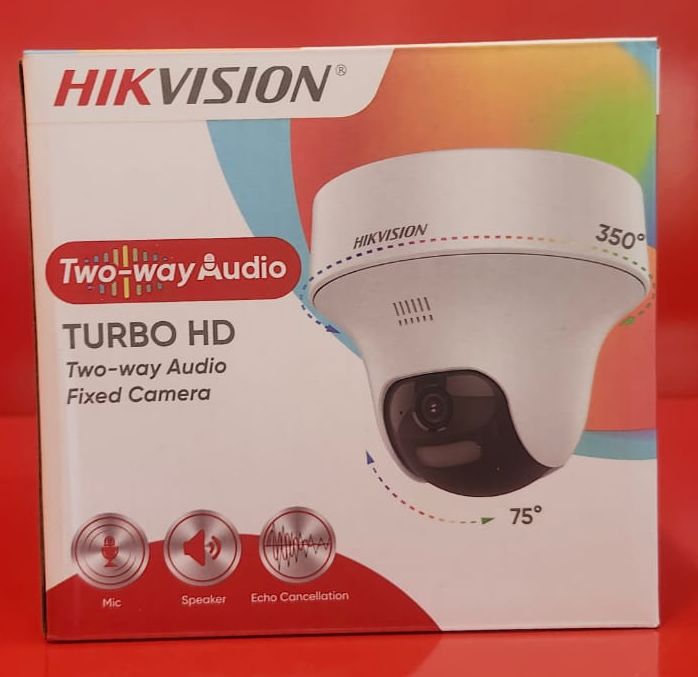
TURBO HD Two-Way Audio Camera – Product Description
The TURBO HD Two-Way Audio Camera is a high-performance surveillance solution designed to provide reliable security monitoring with both video and audio communication capabilities. Featuring high-definition video recording, the camera delivers clear and detailed images, making it ideal for homes, offices, retail stores, schools, warehouses, and other commercial environments.
Equipped with built-in two-way audio technology, the camera allows users to listen and speak in real time through a connected DVR, mobile application, or monitoring system. This feature enhances security by enabling direct communication with visitors, staff, or occupants without requiring physical presence at the monitored location.
The camera utilizes advanced image processing technology to produce sharp video quality in various lighting conditions. Its infrared night vision ensures continuous monitoring in low-light and nighttime environments, while motion detection capabilities provide instant alerts when activity is detected.
Key Features:
High-definition TURBO HD video quality
Built-in two-way audio communication
Real-time listening and speaking capability
Infrared night vision for 24/7 monitoring
Motion detection and event notifications
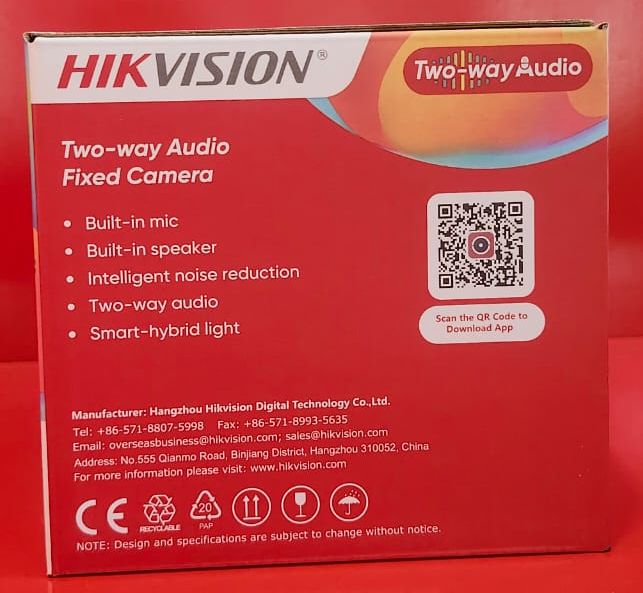
Clear audio transmission with built-in microphone and speaker
Wide viewing angle for enhanced coverage
Easy integration with compatible DVR systems
Suitable for residential and commercial security applications
Reliable performance for indoor and outdoor monitoring (model dependent)
Applications:
Homes and apartments
Offices and business premises
Retail stores and supermarkets
Schools and educational facilities
Warehouses and industrial sites
Reception and entrance monitoring
It is an ideal security solution for users seeking high-quality video surveillance combined with real-time two-way communication and dependable day-and-night monitoring.
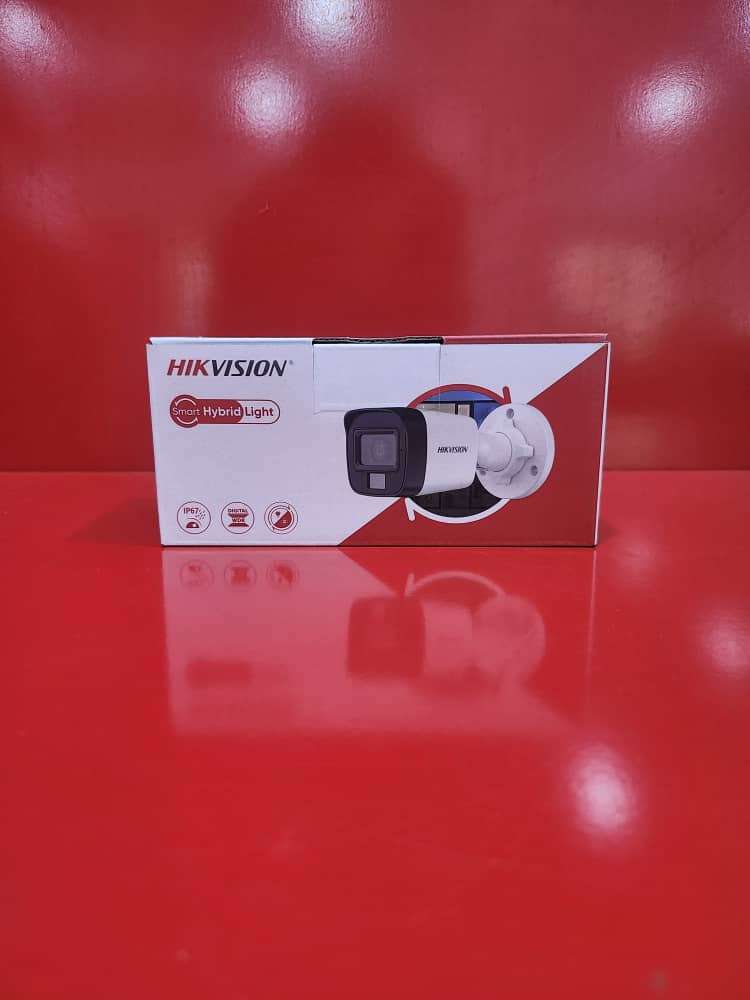
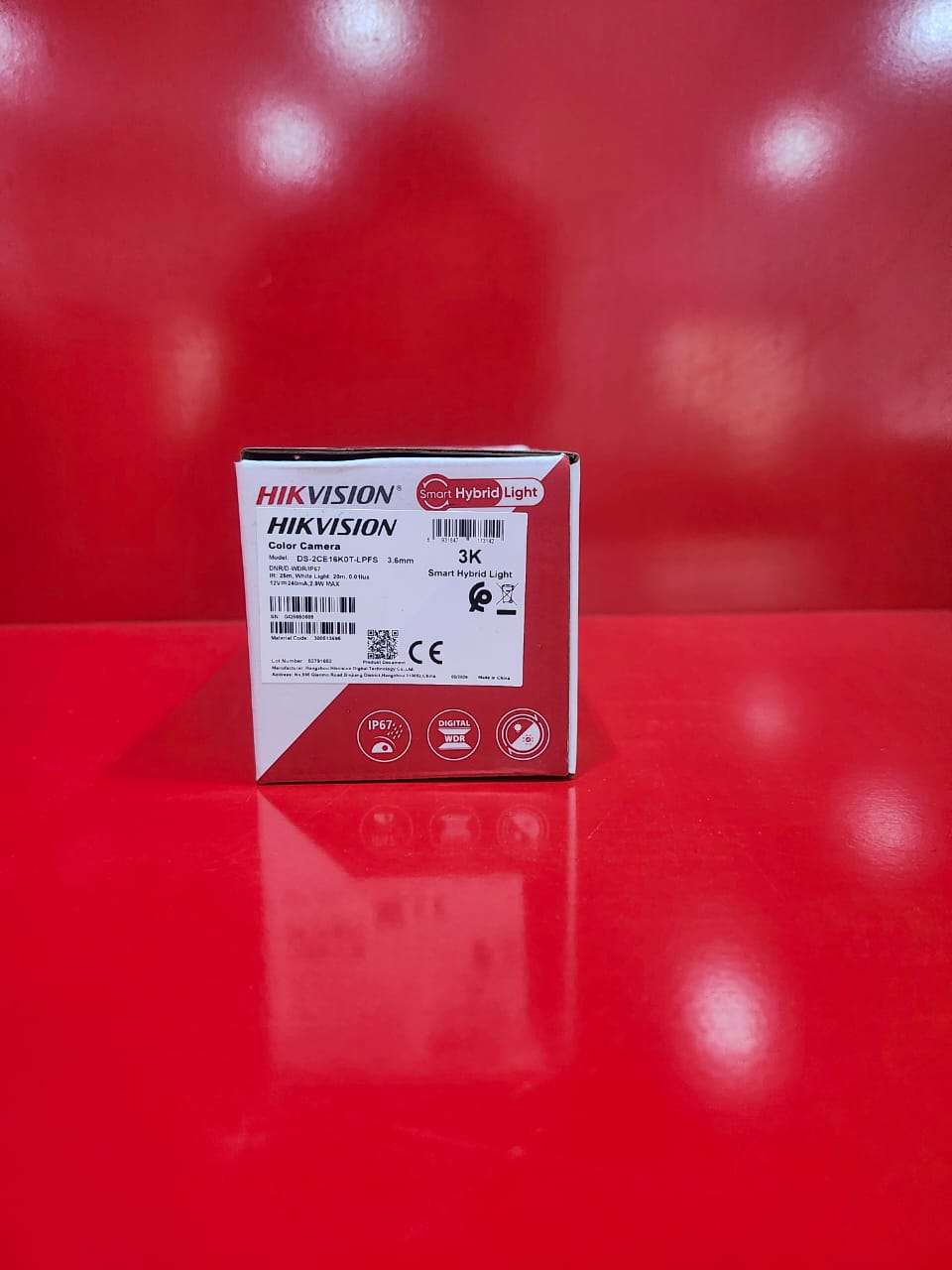
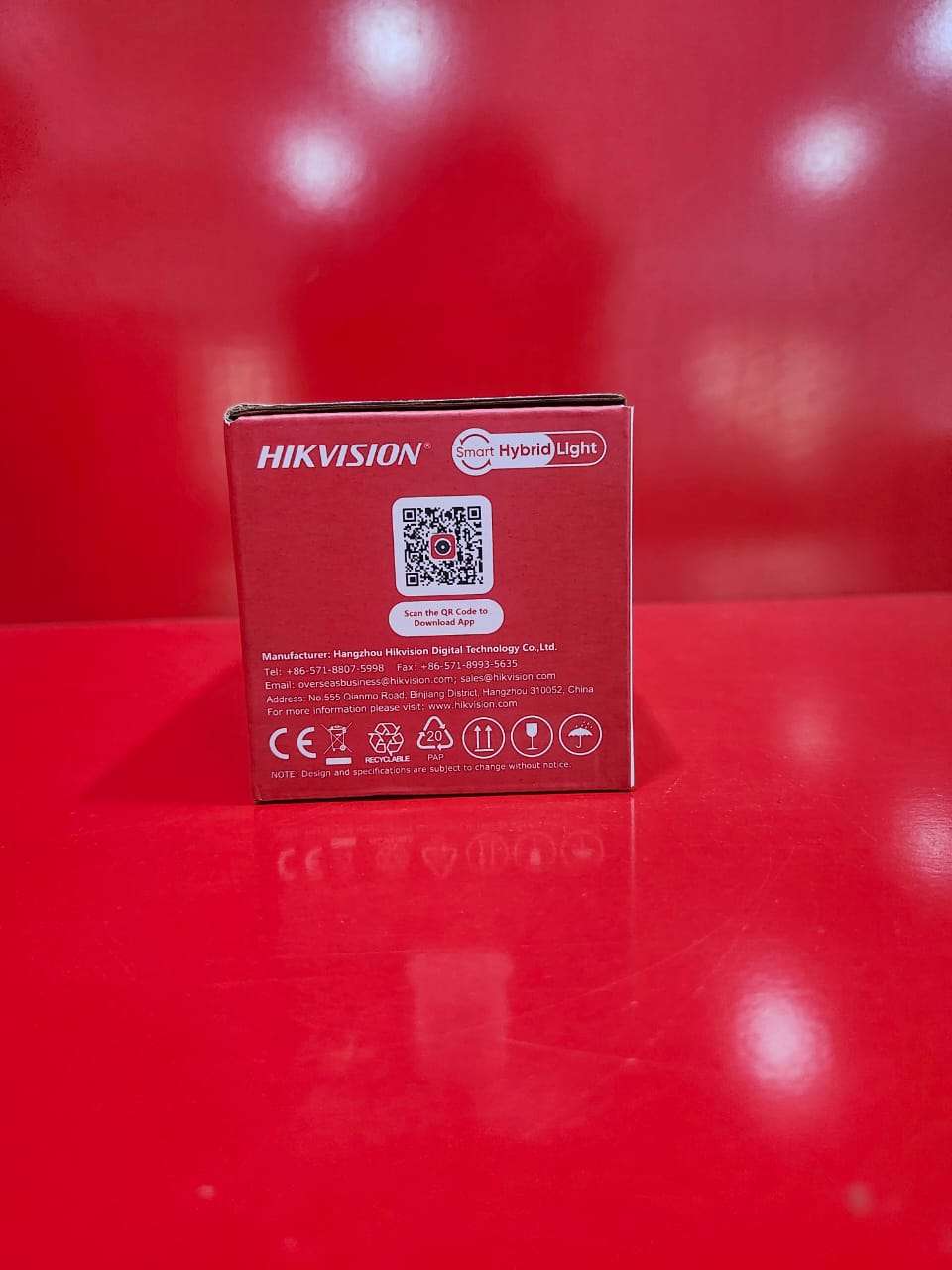
How to Use the TURBO HD Two-Way Audio Camera
Step 1: Install the Camera
Mount the camera in the desired location for optimal coverage.
Ensure the camera is securely fixed to a wall or ceiling.
Step 2: Connect the Camera
Connect the camera to a compatible TURBO HD DVR using a coaxial cable.
Connect the power adapter to the camera and plug it into a power source.
Step 3: Connect Audio
If required, connect the audio cable between the camera and DVR.
Ensure the DVR supports two-way audio functionality.
Step 4: Configure the DVR
Turn on the DVR and monitor.
Access the DVR settings and enable audio recording and two-way audio features.
Set the date, time, and recording preferences.
Step 5: Set Up Remote Viewing
Connect the DVR to the internet.
Install the manufacturer’s mobile app on your smartphone.
Add the DVR to the app by scanning the QR code or entering the device details.
Step 6: Use Two-Way Audio
Open the live view on the mobile app or monitoring software.
Select the camera channel.
Press the microphone or talk button to speak through the camera.
Listen to incoming audio through your device’s speaker.
Step 7: Monitor and Record
View live video footage in real time.
Record continuously, on schedule, or when motion is detected.
Review recorded footage through the DVR playback menu.
Step 8: Maintain the System
Clean the camera lens regularly.
Check cable connections and power supply.
Update the DVR firmware when available.
Package Contents
TURBO HD Two-Way Audio Camera
Mounting Accessories
User Manual
Power Adapter (model dependent)
It is recommended to test both the video and audio functions after installation to ensure clear communication and reliable surveillance performance.

CUSTOMERS’ CHATS