


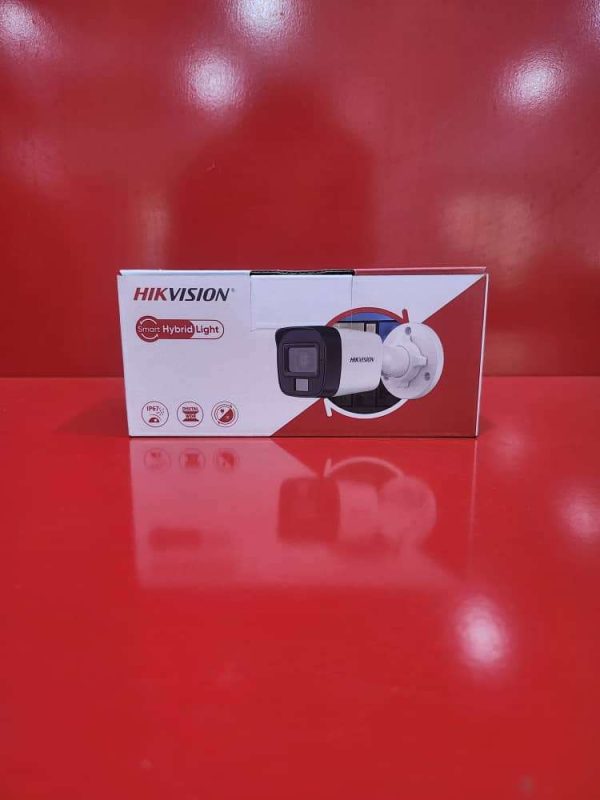
Outdoor Smart 3K Hybrid Light (Color View) – Product Description
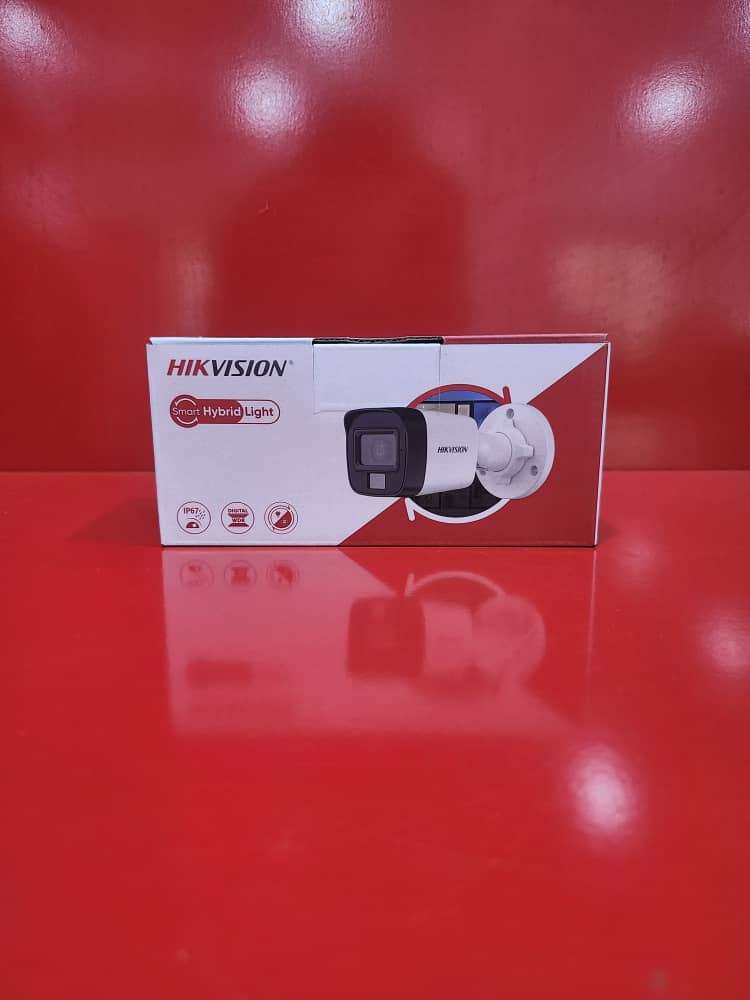
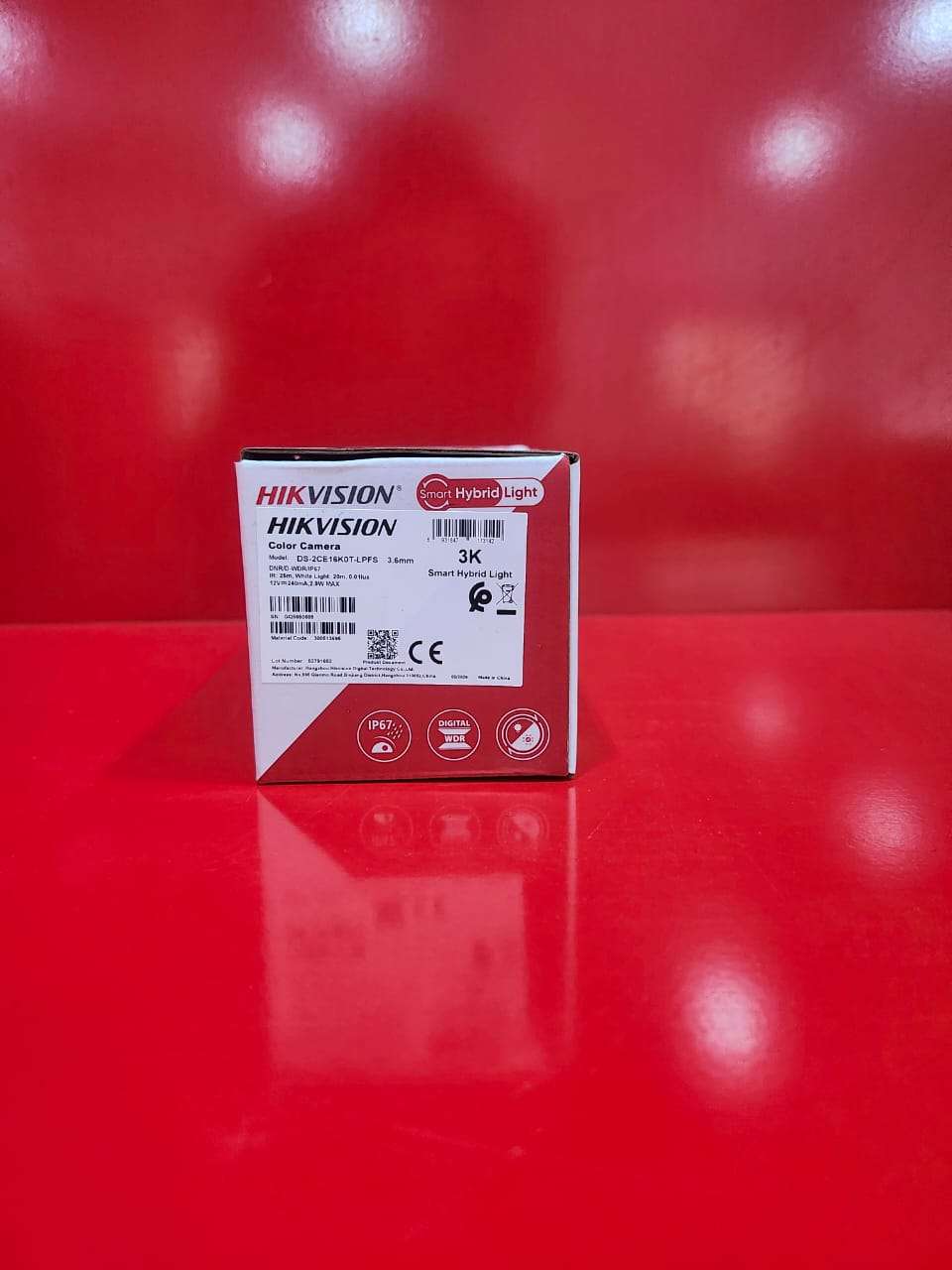
The Outdoor Smart 3K Hybrid Light (Color View) Camera is a high-performance security camera designed to provide crystal-clear surveillance for homes, offices, shops, warehouses, and outdoor environments. Featuring advanced 3K ultra-high-definition resolution, this camera delivers sharp and detailed images, ensuring reliable monitoring day and night. Its Smart Hybrid Light technology intelligently switches between infrared and white light to provide clear visibility while maintaining full-color images even in low-light conditions.
Built with Color View technology, the camera captures vibrant, full-color footage 24/7, enhancing identification of people, vehicles, and important details. The weather-resistant housing ensures dependable outdoor performance in rain, dust, and harsh weather conditions, making it suitable for year-round security monitoring.
Key Features
3K Ultra HD resolution (2960 × 1665) for detailed video recording
Smart Hybrid Light technology for intelligent night vision
Full-color viewing day and night
Enhanced low-light performance with advanced image sensor
Long-range infrared and white-light illumination
Weatherproof design for outdoor installation
Motion detection and real-time monitoring
Built-in audio support (model dependent)
Wide viewing angle for greater coverage
Suitable for homes, businesses, offices, warehouses, and parking areas
It is ideal for users seeking reliable outdoor surveillance with superior image quality, intelligent lighting control, and full-color night monitoring.
How to Use the Outdoor Smart 3K Hybrid Light (Color View) Camera
Step 1: Install the Camera
Choose a suitable outdoor location with a clear view of the area you want to monitor.
Securely mount the camera using the supplied screws and mounting bracket.
Ensure the camera is protected from direct impact and positioned for maximum coverage.
Step 2: Connect Power
Connect the camera to its power source according to the manufacturer’s instructions.
If it is a PoE (Power over Ethernet) model, connect it to a PoE switch or NVR.
If it uses a power adapter, plug it into a stable power outlet.
Step 3: Connect to the Recording System
Connect the camera to a DVR, NVR, or compatible monitoring system.
Ensure all cables are properly connected and secured.
Step 4: Configure the Camera
Access the camera settings through the DVR/NVR or mobile app.
Set the date, time, recording schedule, and motion detection preferences.
Adjust image settings if necessary.
Step 5: Enable Smart Hybrid Light
Select your preferred night vision mode:
Infrared Mode – Black and white night vision.
White Light Mode – Full-color night vision.
Smart Hybrid Mode – Automatically switches between infrared and white light when motion is detected.
Step 6: View Live Footage
Monitor live video through your DVR/NVR monitor, smartphone app, or computer.
Check that the camera provides clear daytime and nighttime images.
Step 7: Review Recordings
Access recorded footage through the DVR/NVR playback menu.
Search recordings by date and time when needed.
Step 8: Regular Maintenance
Clean the camera lens periodically.
Check cable connections and mounting brackets.
Ensure the camera firmware is updated when updates are available.
Package Contents
Outdoor Smart 3K Hybrid Light Camera
Mounting Screws and Anchors
User Manual
Waterproof Accessories (model dependent)
It is recommended to test the camera’s image quality and night vision after installation to ensure optimal performance.

CUSTOMERS’ CHATS