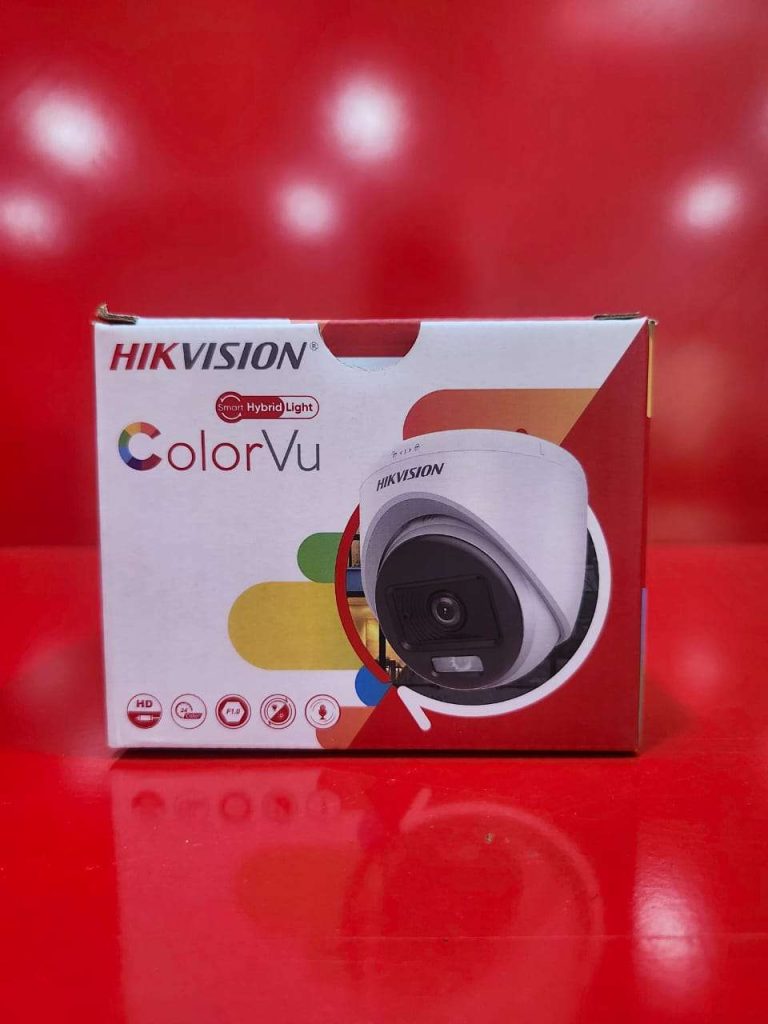
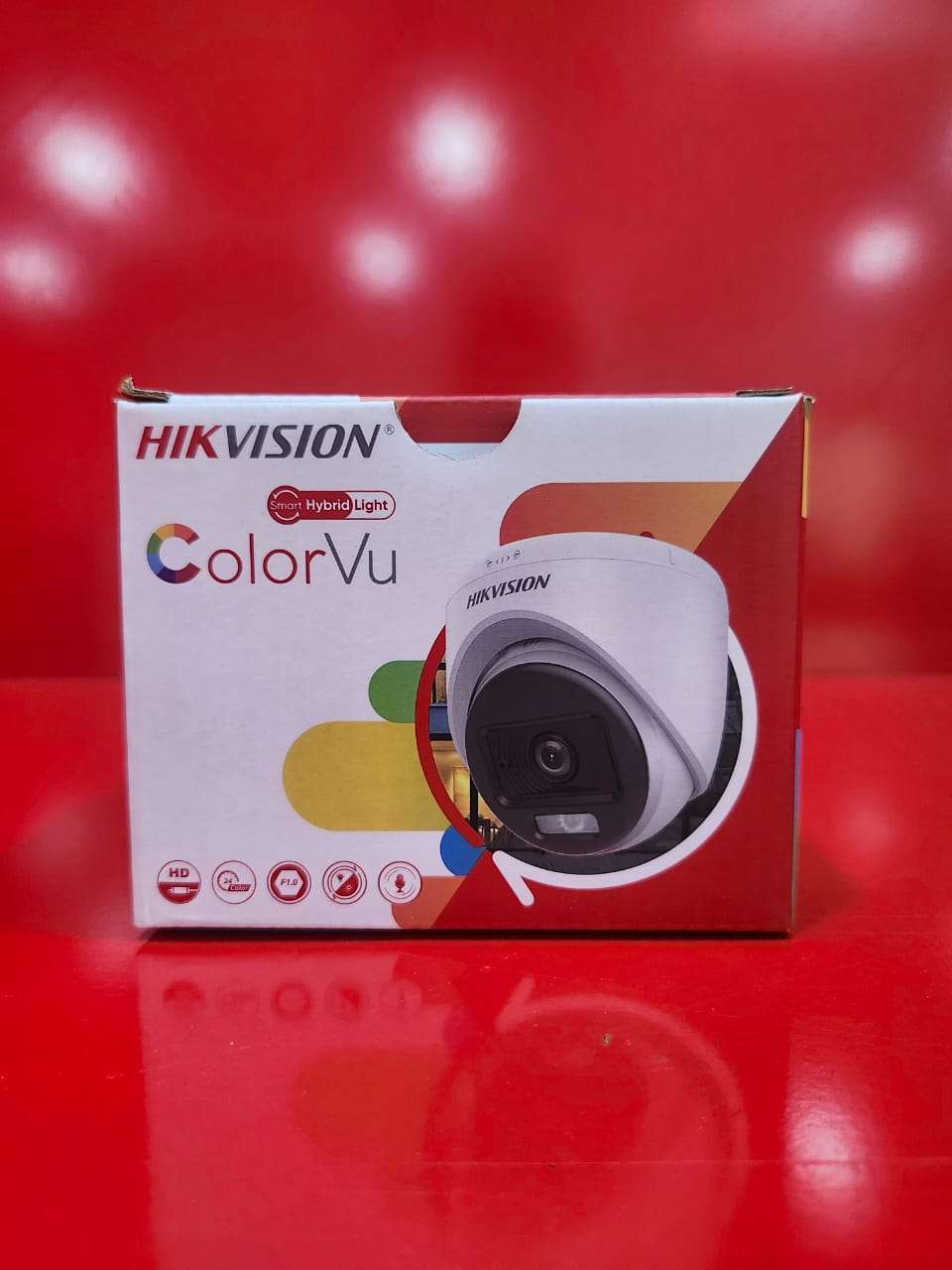
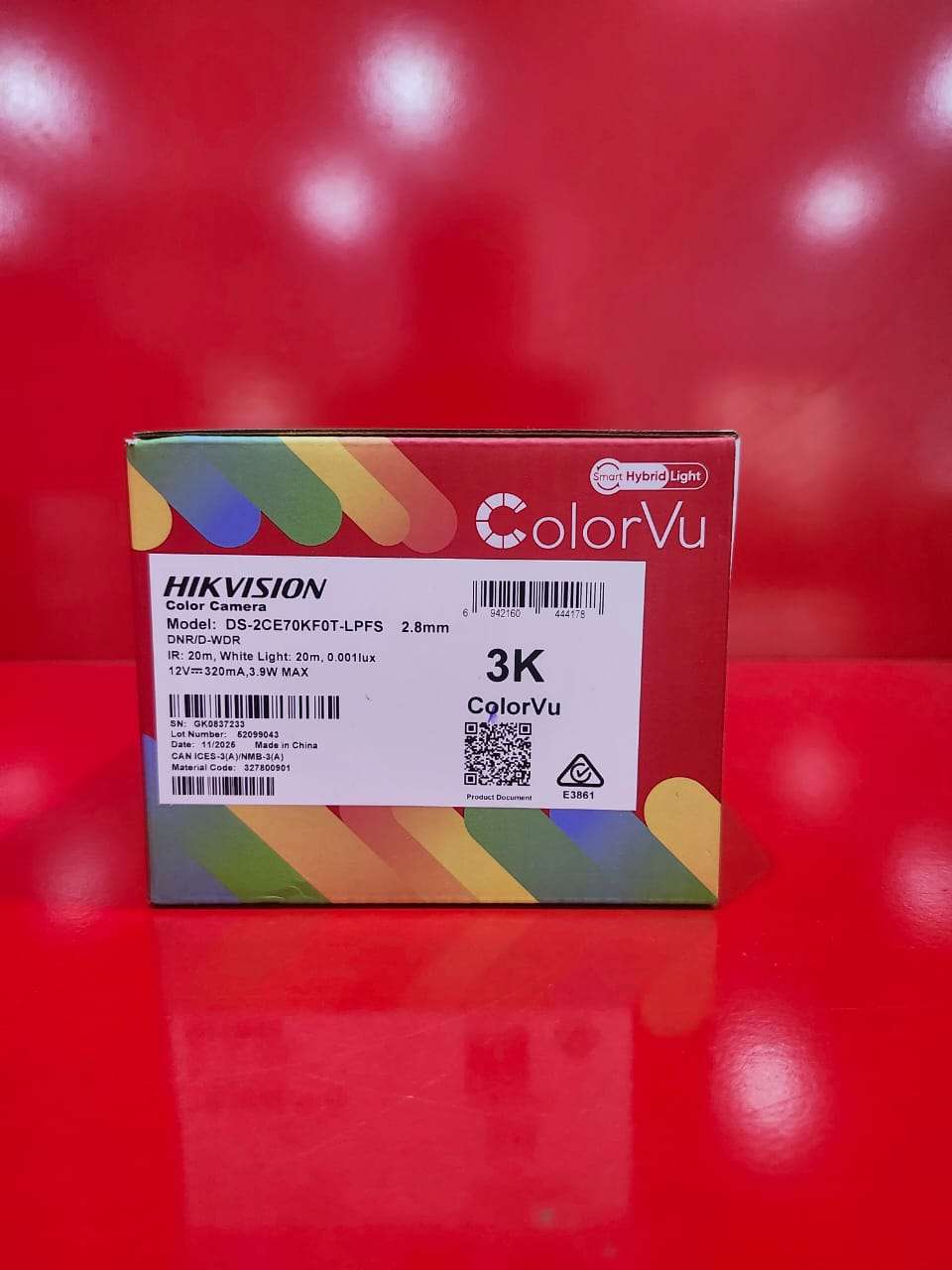
Indoor Smart 3K Hybrid Light (Color View) Camera – Product Description
The Indoor Smart 3K Hybrid Light (Color View) Camera is an advanced surveillance solution designed to provide high-quality security monitoring for homes, offices, shops, and indoor commercial environments. Equipped with 3K ultra-high-definition resolution, the camera delivers sharp, detailed images for reliable identification and monitoring. Its Smart Hybrid Light technology intelligently combines infrared and white light illumination to provide clear visibility in various lighting conditions while maintaining full-color video performance during both day and night.
Featuring Color View technology, the camera captures vivid, full-color images even in low-light environments, ensuring enhanced detail and improved security coverage. Advanced image processing functions help reduce noise, improve brightness, and deliver clear footage in challenging lighting conditions. The built-in microphone supports audio recording, providing additional situational awareness and security monitoring capabilities.
Key Features:
3K Ultra HD resolution (2960 × 1665) for crystal-clear video quality
Smart Hybrid Light technology for intelligent night vision
Full-color viewing day and night
Advanced low-light performance with Color View technology
Built-in microphone for audio recording
Motion detection and real-time monitoring
Wide-angle coverage for enhanced indoor surveillance
Easy integration with compatible DVR/NVR systems
Suitable for homes, offices, retail stores, schools, and indoor business environments
Reliable 24/7 security monitoring with enhanced image clarity
It is ideal for users seeking reliable indoor security with high-resolution imaging, intelligent lighting control, and full-color monitoring around the clock.
How to Use the Indoor Smart 3K Hybrid Light (Color View) Camera
Step 1: Choose an Installation Location
Select an indoor location that provides a clear view of the area you want to monitor.
Mount the camera on a wall or ceiling using the provided accessories.
Step 2: Connect the Camera
Connect the camera to a compatible DVR/NVR using the appropriate cable.
Connect the power adapter to a stable power source.
Step 3: Power On the System
Turn on the DVR/NVR and monitor.
Verify that the camera image appears on the screen.
Step 4: Configure Camera Settings
Access the camera settings through the DVR/NVR menu.
Set the date, time, recording schedule, and image preferences.
Configure motion detection and notification settings if available.
Step 5: Set Up Smart Hybrid Light Mode
Choose your preferred night vision setting:
Infrared Mode – Black-and-white night vision.
White Light Mode – Full-color night vision.
Smart Hybrid Mode – Automatically switches lighting modes based on activity and lighting conditions.
Step 6: Monitor Live Video
View live footage on your monitor, smartphone, or computer.
Ensure the camera angle provides full coverage of the intended area.
Step 7: Record and Playback Footage
Enable continuous, scheduled, or motion-triggered recording.
Access playback through the DVR/NVR to review recorded events.
Step 8: Perform Regular Maintenance
Clean the camera lens regularly to maintain image quality.
Check power and video connections periodically.
Update system firmware when available.
Package Contents
Indoor Smart 3K Hybrid Light (Color View) Camera
Mounting Accessories
User Manual
Power Adapter (model dependent)
It is recommended to test the camera’s video quality, audio function (if available), and night vision performance after installation to ensure optimal operation.

CUSTOMERS’ CHATS